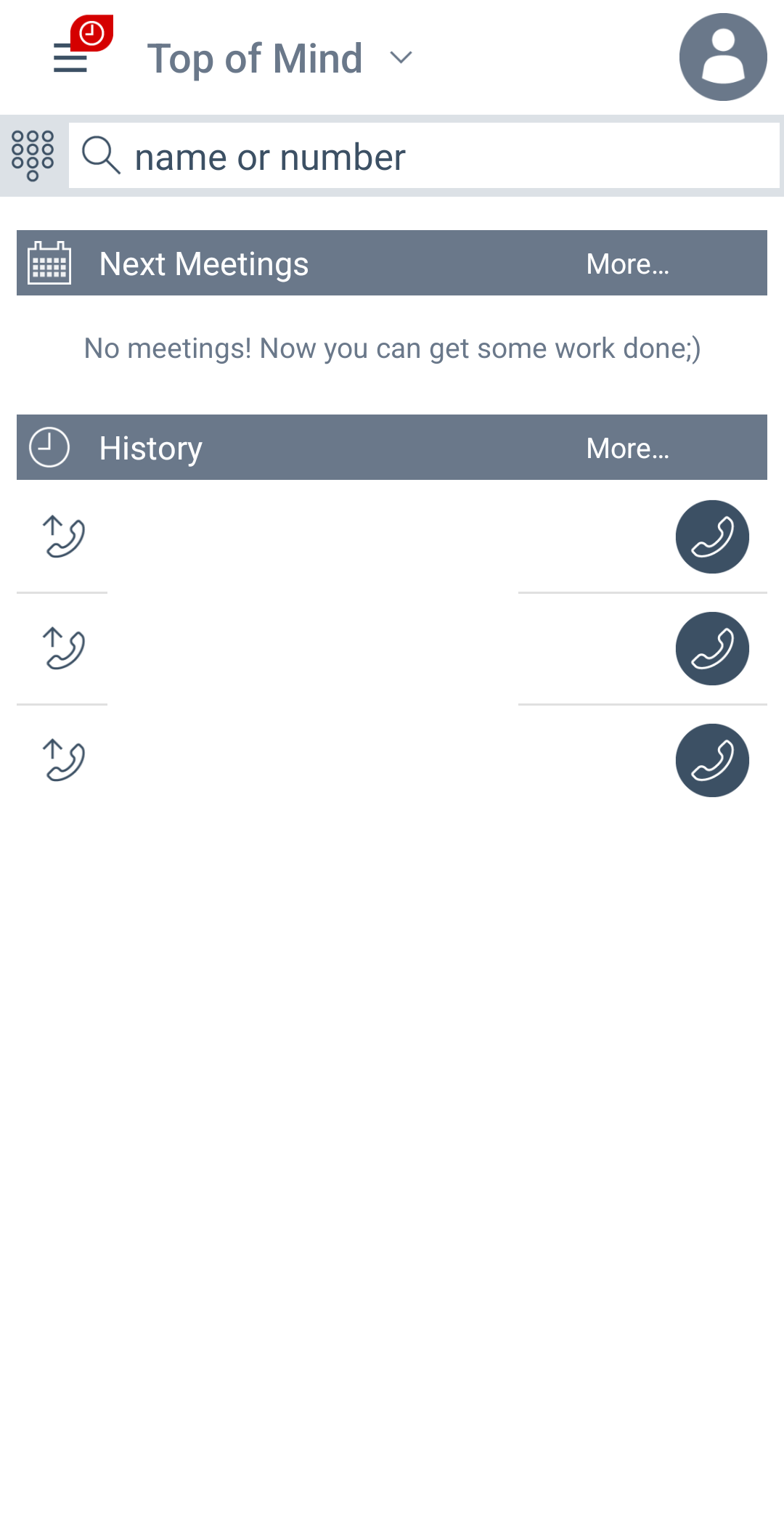

Workplace for Android
To setup Avaya Workplace for Android you will need to complete the following steps.
Step 1 - Install Workplace
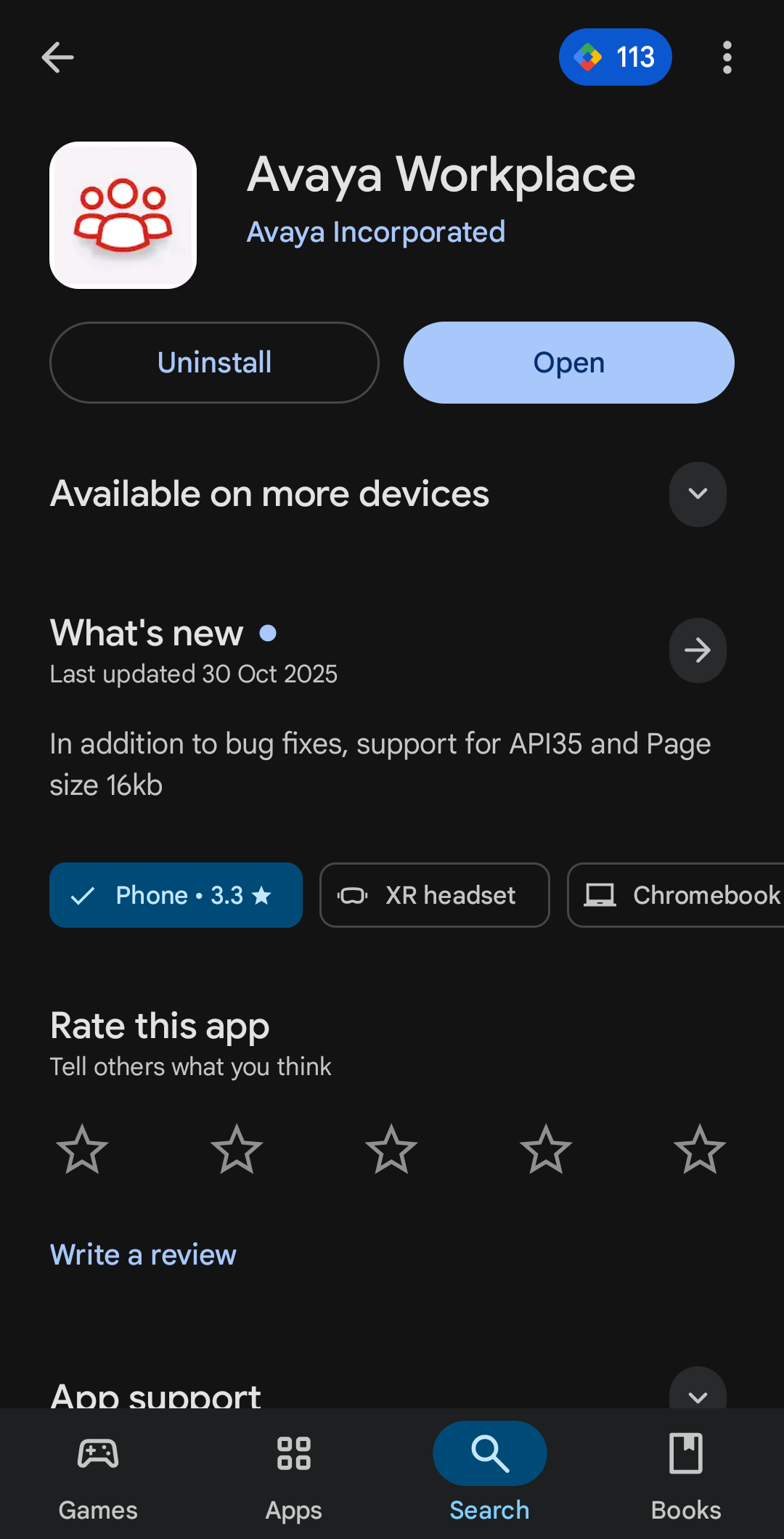
First you will need to install Avaya Workplace from the Google Play Store:
Step 2 - Configure the application
Launch the application and select “Configure my Account”:

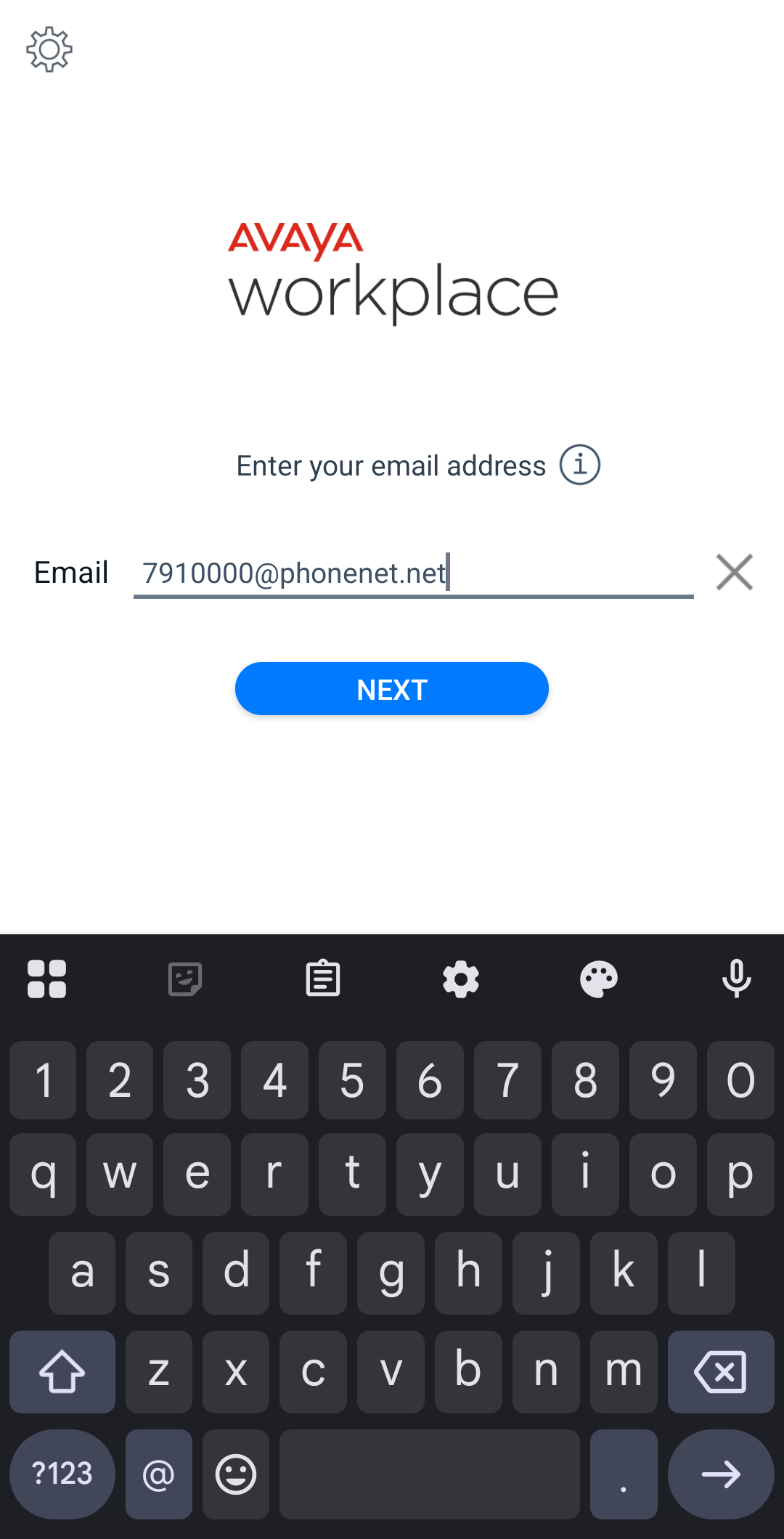
Then you will need to enter an email address in the format “extension@phonenet.net” and select Next:
Select the environment that your extension has been provisioned on:

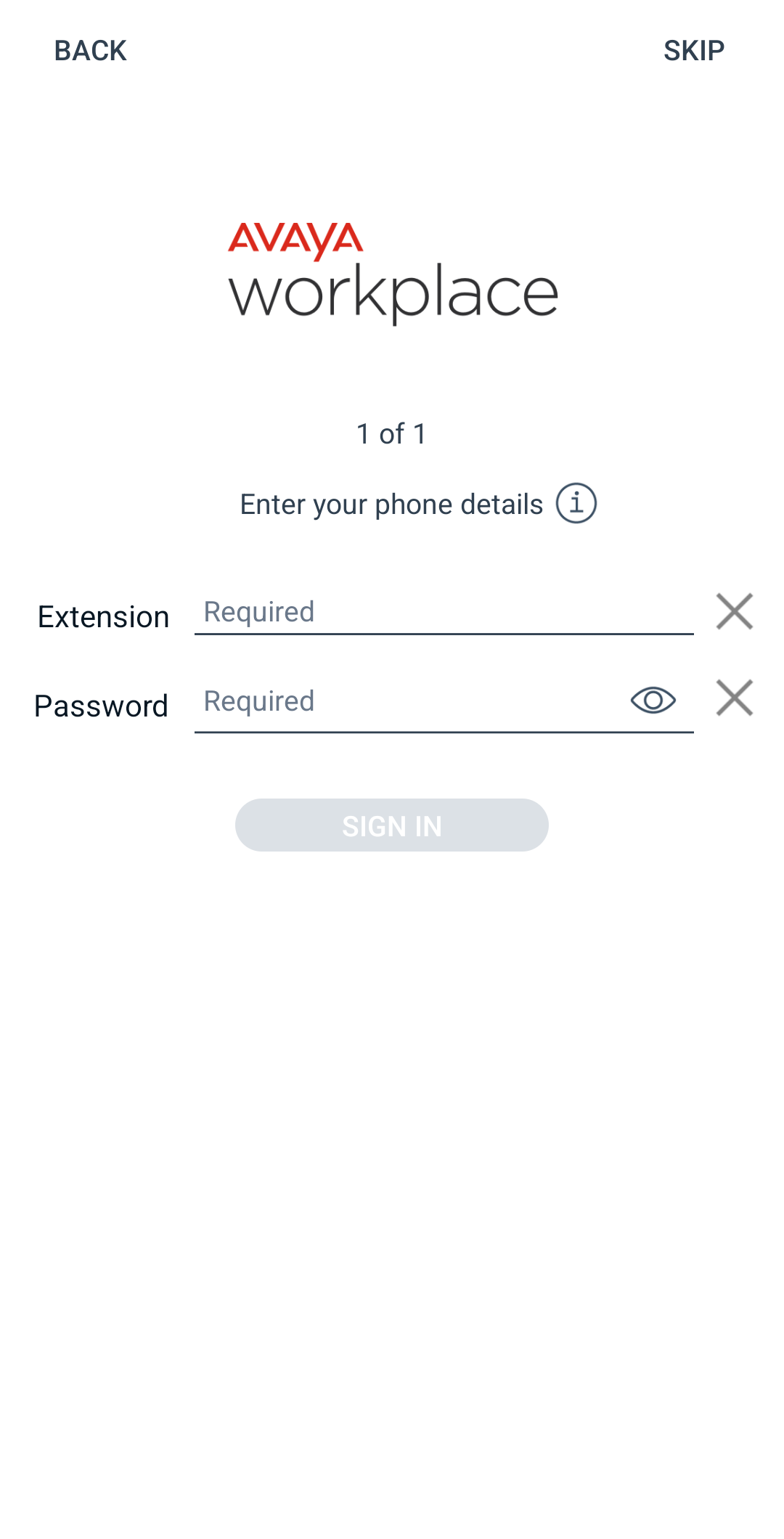
Enter your extension and password from your welcome email and select Sign In.
Step 3 - Enjoy!
You’re ready to go. If you have any issues please contact our Service Desk.